

Home / Products / DeviceAssure / How it Works
How DeviceAssure WorksStronger fraud prevention starts with deeper device insight
Understand device integrity through real-time classification and risk insights without PII data or user tracking.
How it Works
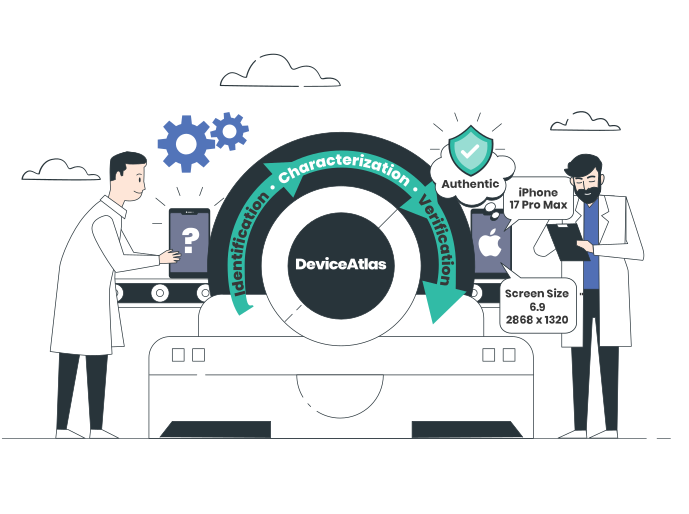
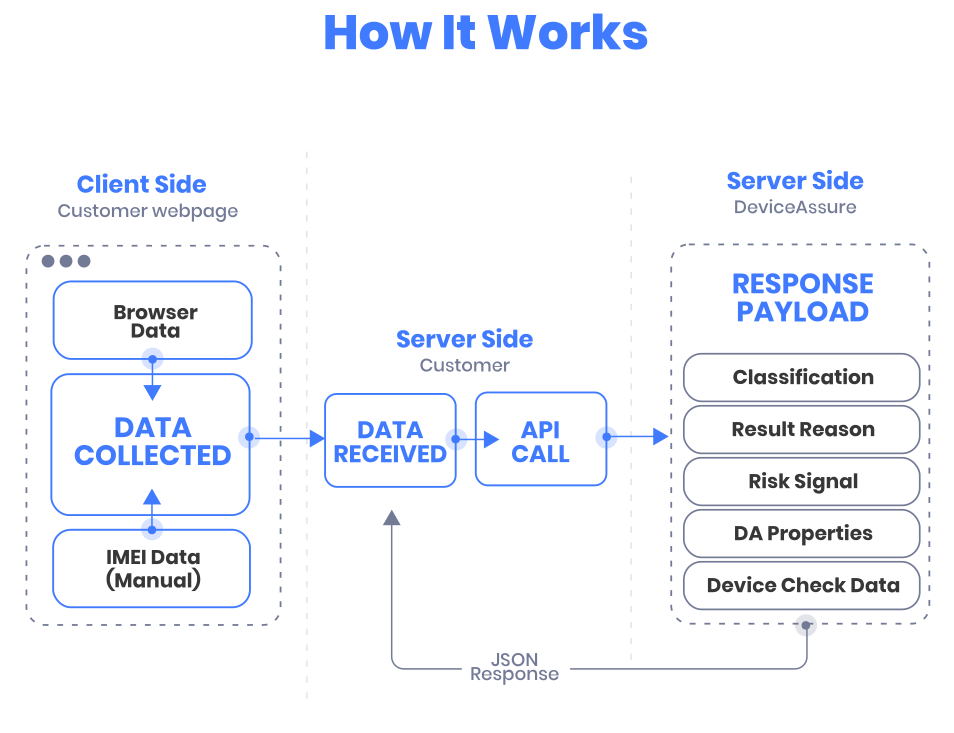
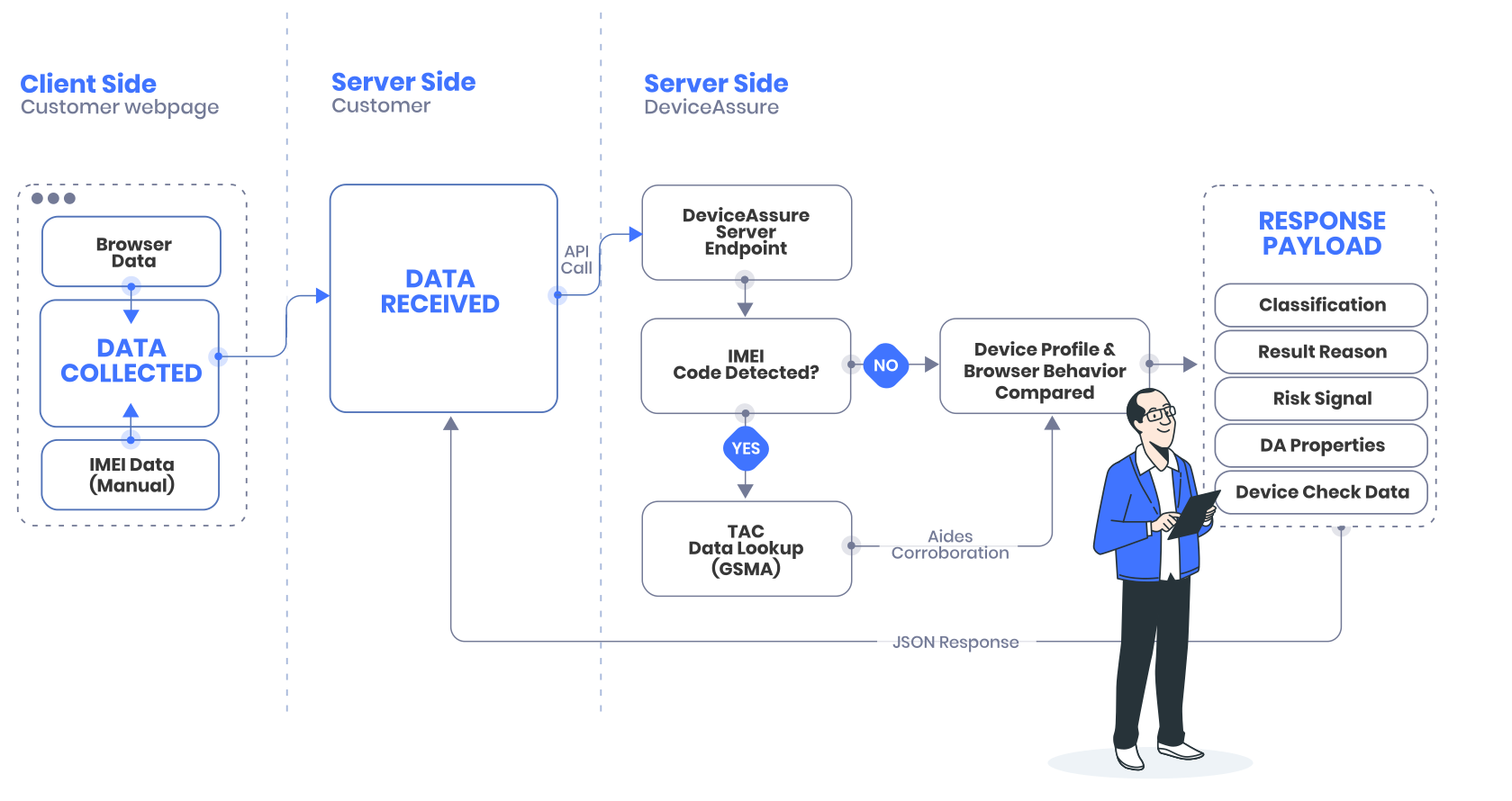
DeviceAssure collects device-level identifiers and telemetry directly from the end-user’s device using a lightweight client-side library or SDK. These signals are securely transmitted to the DeviceAssure service, where they are analysed to verify device authenticity and detect inconsistencies or spoofing. The verification result is then returned either to the calling application in real time or to the customer’s backend, depending on the integration approach.
Integration Options
DeviceAssure offers flexible integration options to suit different architectural and operational requirements. Customers can choose between a server-to-server approach, which provides enhanced security, control, and scalability within backend systems, or a client-to-server model, which enables real-time, in-session decisioning directly within the user experience. Each option is designed to deliver reliable device verification while aligning with existing infrastructure, performance needs, and security considerations.
Server to Server
- Secure: request can be bundled with existing calls back to the host service, to protect from tampering by bad actors on the device.
- Discreet: client sees no unexpected calls to third parties.
- Transparent: DeviceAssure customer has full visibility into the content of request and response, can verify no PII etc.
- Scalable: built for high-volume processing and data storage/analysis.
- Simple integration: Enables straightforward integration with fraud systems, risk engines, data warehouses, SIEM tools, or case management workflows.
Client to Server
- Responsive: Real-time device verification and intelligence data returned to the page/app for action triggering, e.g. UX element triggering, access approval/denial, 2FA triggering, branch-point determinations for alternate user flows.
- Cost-effective: No infrastructure maintenance dependencies.
- Rapid integration: A simple API call returns the authentication result and device intelligence data directly to webpage/app.
- Lightweight and performant: Negligible impact on site/app performance.
Classifications & Results
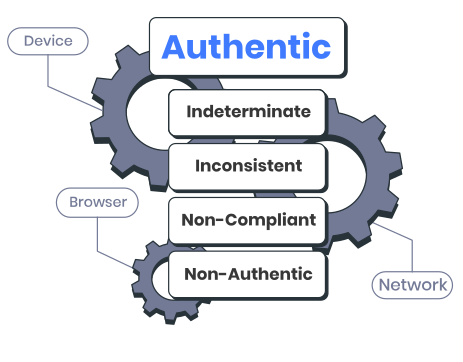
Using device identifiers and property analysis (device, browser, network), DeviceAssure assesses the authenticity of a device and responds (from the API request) back to the customer.
The verification result returned by DeviceAssure is structured hierarchically. At the top level, devices are classified into broad categories that reflect their authenticity status, enabling both high-level decisions (e.g. yes/no, trusted/untrusted) and more detailed assessments where needed.
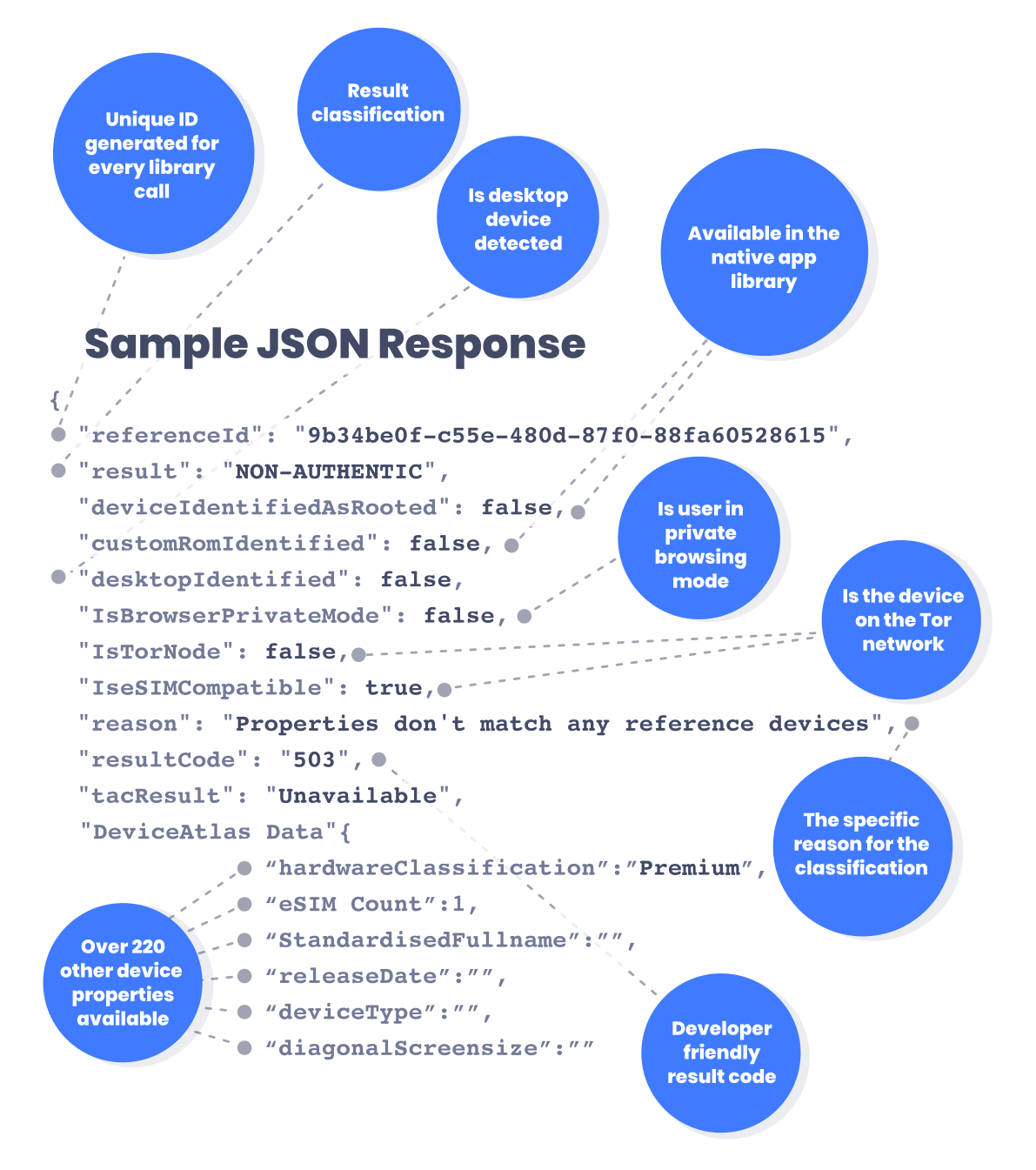
For devices not deemed authentic, customers access a clear explanation of the classification, including a specific reason and the associated result reason code. This enables real-time action or in-depth offline analysis, depending on operational requirements.
Classification Table
| Outcome | Technical Definition | Business Impact | Recommended Action |
|---|---|---|---|
| Authentic | Identifiers* are consistent and measured properties that match a valid variant of the identified device.
Response Code: 101 |
The device is genuine. Safe to transact with full confidence — low fraud risk. | Verify real user device, approve transactions, onboard user, or allow full service access without extra verification. |
| Indeterminate | Unable to match identifiers to any known device. Possible reasons: masking proxy, missing data, unsupported OS, browser limitations, incomplete profiling.
Response Codes: 201–211 |
The device can’t be verified. It could be legitimate new hardware or an attempt to hide identity. | Apply step-up verification (e.g., OTP, KYC). Monitor behavior and flag repeated failures for review. |
| Inconsistent | Identifiers point to different devices, but at least one matches measured properties.
Response Codes: 301–304 |
Potential tampering or spoofing — some identifiers match, others don’t. | Pause high-value transactions. Investigate device history. Consider re-authentication or manual review. |
| Non-Compliant | TAC** is invalid and not recognized by the GSMA global TAC list.
Response Code: 401 |
High probability of counterfeit or unregistered hardware. | Block transaction or account creation. Escalate to compliance/fraud prevention teams. |
| Non-Authentic | Device claims to be a specific model, but device properties don’t match. Includes blacklisted devices, emulators, mismatched headers, and spoofing.
Response Codes: 501–508 |
Known fraud pattern detected. Very high risk. | Immediately block activity. Add to fraud intelligence list. Notify relevant teams for investigation. |
* Identifiers - Device identifiers are key pieces of technical information that reveal what a device actually is when it connects to a service.
** TAC - A TAC (Type Allocation Code) is the first eight digits of a device’s IMEI number. TACs are issued by the GSMA and tell you the make, model, and manufacturer of a mobile device. In DeviceAssure, the TAC is used to check whether a device is genuine and matches its claimed identity — if the TAC is invalid or doesn’t align with the device’s properties, it can signify counterfeit or tampered hardware.
Bot Detection
DeviceAssure detects and identifies two major bot categories; declared bots (identify themselves as genuine bot traffic — Response Code 601) and undeclared bots (mask their automated nature — Response Code 602).
| Outcome | Technical Definition | Business Impact | Recommended Action |
|---|---|---|---|
| Bot (JS client only) |
Automated traffic from bots.
Response Code: 601 |
Traffic that identifies itself as bot traffic — it is not trying to appear as a device, e.g. search engine crawler, AI bot. | Allow through per customer policy. |
| Bot (JS client only) |
Automated traffic from bots, emulators, or server hardware.
Response Code: 602 |
Likely fake signups, scraping, click fraud or abuse attempts. | Block or challenge (CAPTCHA, behavioral challenge). Track bot activity patterns for future prevention. |
Risk Signals
DeviceAssure provides a diverse array of key risk data points. These context relevant signals complement the DeviceAssure authentication classification of the device and are used to drive decisions for specific customer use cases, e.g. policies restricting access for users using the TOR network.
| Outcome | Technical Definition | Business Impact | Recommended Action |
|---|---|---|---|
| deviceIdentifiedAsRooted (Android SDK only) |
A flag that indicates whether the device is running a Custom ROM or not. | The device's software has been modified. High-risk device. | Immediately block activity. Add to fraud intelligence list. Notify relevant teams for investigation. |
| customRomIdentified (Android SDK only) |
TAC is invalid and not recognized by the GSMA global TAC list.
Response Code: 401 |
Device software has been modified. High-risk device. | Immediately block activity. Add to fraud intelligence list. Notify relevant teams for investigation. |
| desktopIdentified | A flag that indicates whether the device has been identified as a desktop or not. | The device has been identified as a desktop. Low risk. | Take appropriate actions depending on the use case in question. |
| privateBrowsing | A flag that indicates whether the browser is in private mode, e.g. Incognito mode in Chrome. | The mobile device has been identified with a browser in private mode. Low risk. | Take appropriate actions depending on the use case in question. |
| torNodeIdentified | A flag that indicates whether the device is accessing the resource through the TOR network. | The device’s IP is an exit node on the TOR network. Risk is use case and policy dependent. | Take appropriate actions depending on the use case in question, e.g. 2FA initiated. |
Key Features
Advanced Verification & Identification
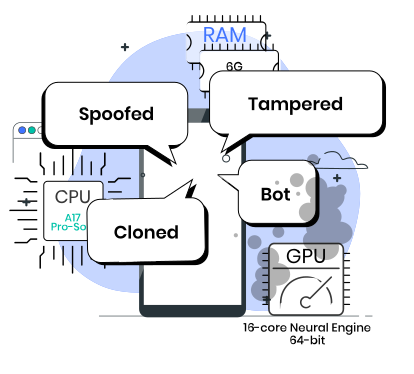
DeviceAssure’s advanced verification and identification technology authenticates devices in real time to confirm their true make, model, and authenticity.
By analyzing unique device attributes beyond basic identifiers, it detects anomalies and patterns indicative of bots and spoofed, tampered, or cloned devices with unmatched accuracy. This gives customers visibility of genuine, trusted devices versus non-authentic and risky devices — improving protection of your ecosystem from fraud, risk, and compromised endpoints.
Custom Tags
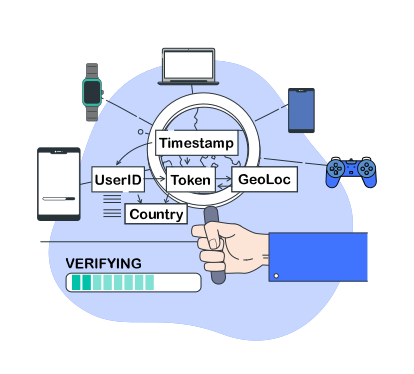
Customers can associate their own IDs/data to requests to DeviceAssure. These datapoints are not stored and are passed back in the authenticity response. This allows customers to link their own data points to the authenticity of the device.
DeviceAssure is designed to be used in reseller platforms, white-label environments and B2C enterprises. Custom tags enable linking a downstream channel partner to the verification response.
| Category | Example Fields | Purpose |
|---|---|---|
| Partner / Account Identifiers |
Partner ID / Account Number / User ID |
To tie DeviceAssure results to a specific partner, reseller customer or account without exposing personal data. |
| Session / Transaction Info |
Session ID / Transaction ID |
Helps you trace when and where the device verification occurred. |
QR Code
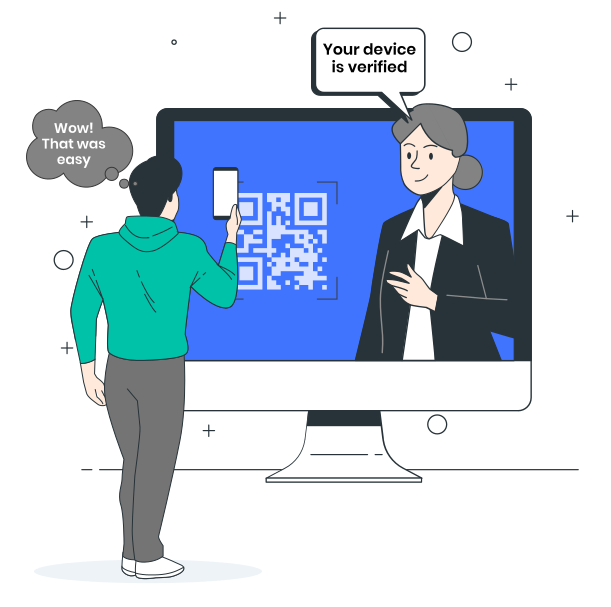
DeviceAssure’s QR Code Verification makes device authentication for desktop users simple and secure. By scanning a unique QR code, users instantly trigger a real-time check that confirms the authenticity and integrity of their mobile device. This fast, user-friendly process identifies and verifies the authenticity of the scanning mobile device and makes this data available without the user having to leave their desktop session. By bringing the mobile device into the customer's process, it also verifies that the mobile device exists, is in the user’s possession and is functional.
Risk Signals
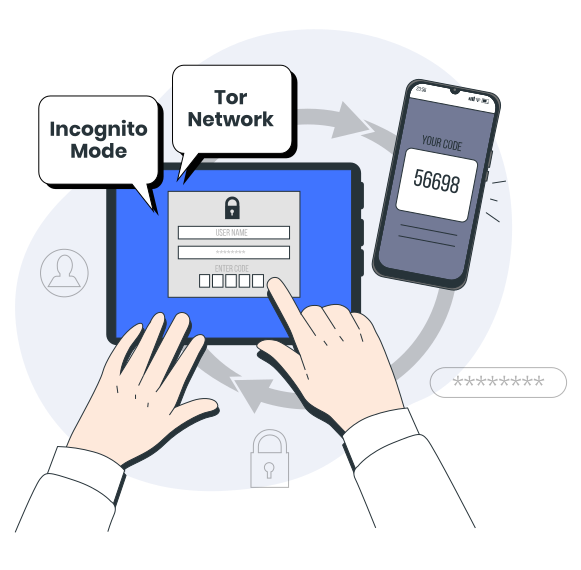
DeviceAssure returns several signals that are contextually relevant to some customer use cases. Risk signals do not impact the overall result classification as they are not inherently signals of fraud. However, they can indicate an increase in risk for some customers, e.g. customers that have a zero tolerance policy on user access may consider Incognito mode coupled with the device exiting off the Tor network to be risky enough to initiate their 2-factor authentication process.
GSMA Device Check
GSMA Device Check provides authoritative network data on a device’s IMEI, including its history, blocklist status (e.g. lost or stolen), and operator-reported legitimacy. However, stolen devices can sometimes be “laundered” through IMEI alteration or cloning, enabling them to pass IMEI lookups if the new identifier appears clean.
DeviceAssure mitigates this risk by verifying the live authenticity and integrity of the physical device in real time, detecting hardware and firmware inconsistencies that indicate tampering or spoofing — ensuring that even if an IMEI appears legitimate in GSMA data, a compromised device will fail verification.
Device Characterization Data
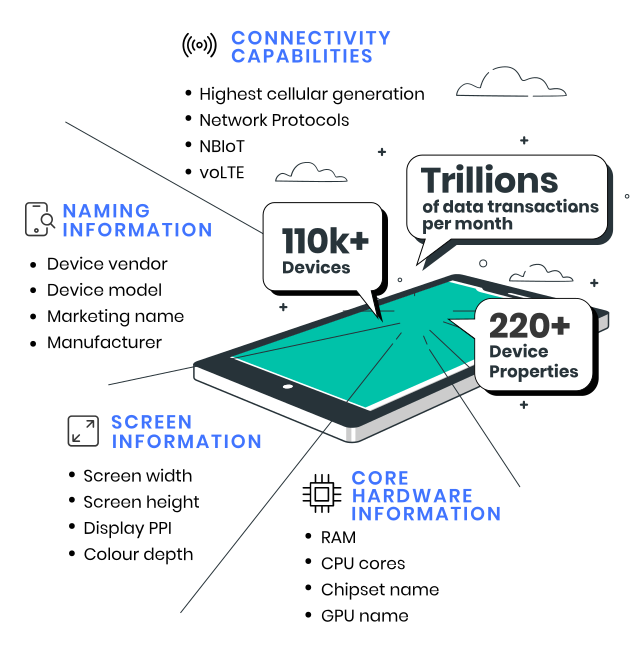
DeviceAtlas Ltd. analyzes and collects over 220 device properties for over 100,000 SIM-enabled devices. DeviceAssure has access to this large data store and can return those properties that are of interest to the customer in its result response. For more information on the device properties available, please click here.
eSIM Compatibility
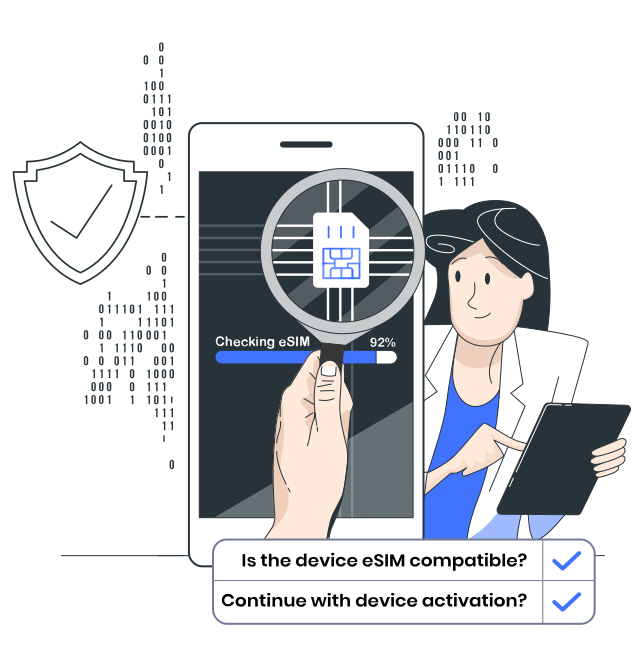
DeviceAssure addresses this challenge head-on by providing an eSIM compatibility flag for every device it verifies. This allows providers to instantly distinguish between devices that support eSIM and those that do not, before attempting provisioning. Customers are guided down the right path from the start, and failed activations are dramatically reduced.
Start understanding your device traffic today
Contact us now to set up a quick discovery call. We'll discuss:
- Your specific needs and business use case
- A technical overview of our services and the data properties we provide
- How to set up an enterprise evaluation for your team & the next steps to follow